See the tightest window first
Gauge checks every available usage window and surfaces the one with the least room remaining.
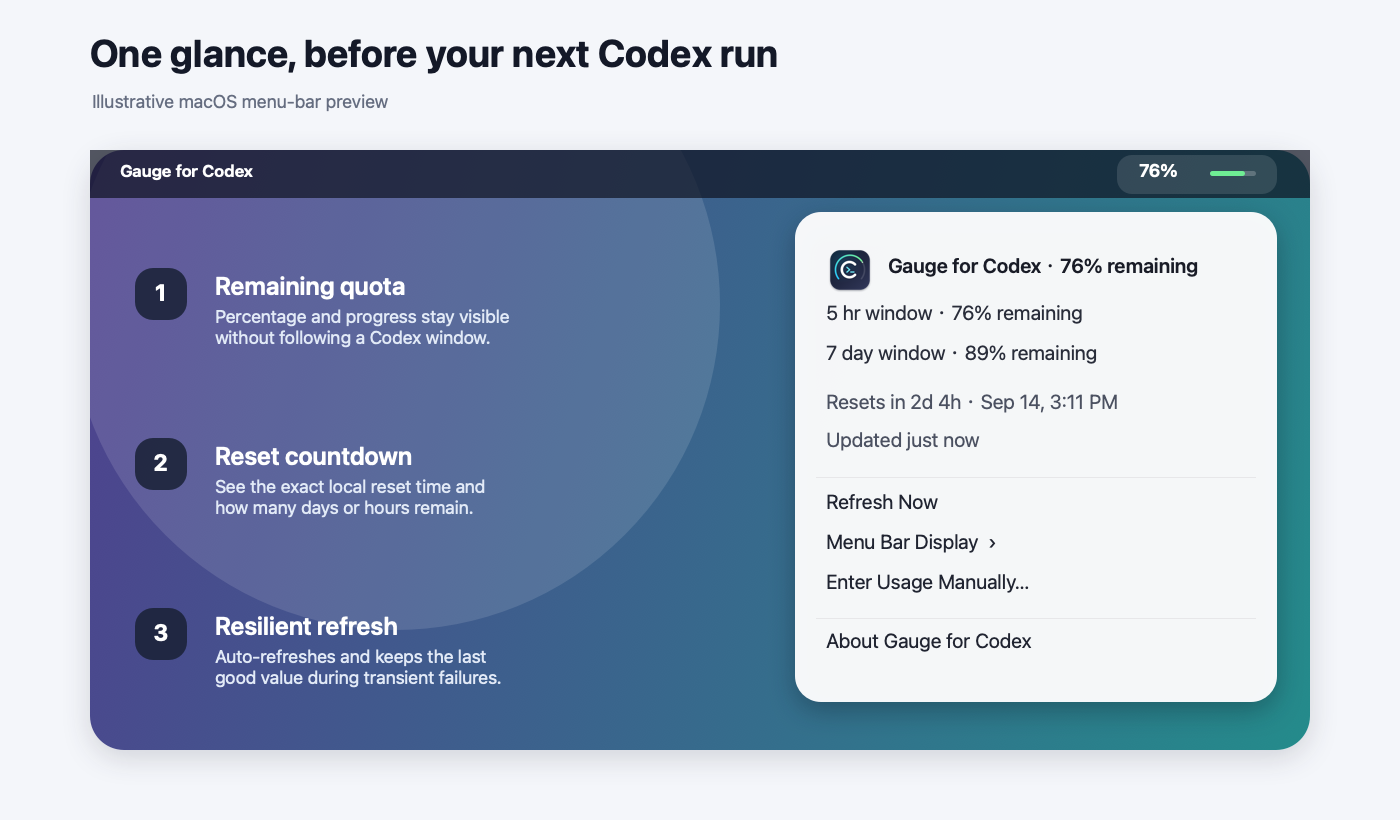
See every usage window, remaining quota, and reset countdown without leaving your work.
Gauge keeps the number you need visible, then gets out of the way. Open the menu for every window and the exact local reset time.
No dashboard to manage. No account to create. Just the usage signal that changes how you plan the next run.
Gauge checks every available usage window and surfaces the one with the least room remaining.
A plain-language countdown sits beside the exact reset time in your own time zone.
Automatic refresh and a last-known-good cache keep transient failures from turning the menu bar blank.
How much Codex capacity do I have, and when does it come back? Gauge answers without following a Codex window around your desktop.
Gauge reads a normalized rate-limit summary from the Codex installation already on your Mac. It does not read prompts, conversations, browser cookies, passwords, or API keys.
The release includes a DMG, ZIP, and SHA-256 checksums. Apple silicon and Intel Macs are supported.
Open latest releaseRequires macOS 12 Monterey or later and a signed-in Codex installation.$ git clone https://github.com/qingtan-labs/GaugeForCodex.git
$ cd GaugeForCodex/quota-overlay
$ ./install.sh